
Learn to Create Dynamic Videos That Hold Viewer Attention

-
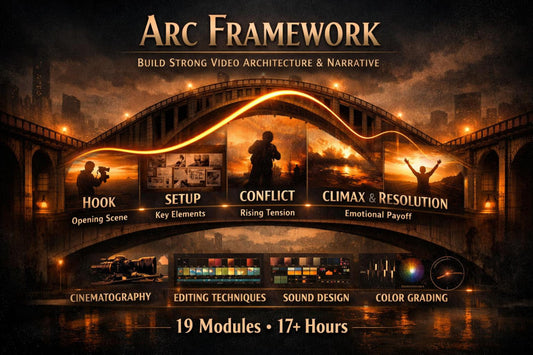
Arc Framework
Regular price €215,00 EURRegular price -
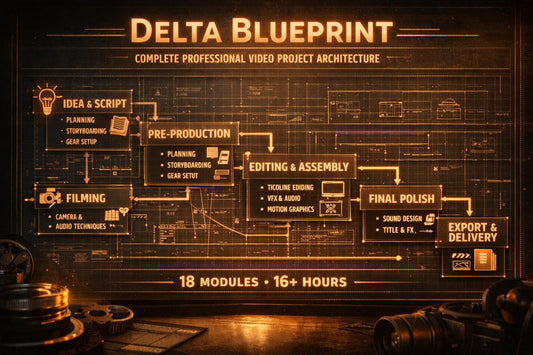
Delta Blueprint
Regular price €192,00 EURRegular price -
Drift Capsule
Regular price €303,00 EURRegular price -
-
Neon Suite
Regular price €204,00 EURRegular price -
Nexus Plan
Regular price €120,00 EURRegular price -
Quantum Set
Regular price €60,00 EURRegular price -
Slate Capsule
Regular price €246,00 EURRegular price








As seen on


Who We Are
People who work with video every day, gather knowledge, and create lessons so you can quickly find answers to your questions.
-

Sage Harlow
Narrative Video Editor
Sage Harlow works with storytelling in the formats of short films and episodic content. She places great emphasis on the emotional structure of the video; her approach helps create deeper and more cohesive videos. -

Rowan Whitaker
Senior Video Editor
Rowan Whitaker has been working on large-scale commercial projects for over nine years. He specializes in editing dynamic videos for brands, paying particular attention to rhythm and visual pacing. -

Marlowe Reed
Freelance Video Editor
Marlowe Reed works as a freelance editor for various clients. She specializes in fast-paced, short-form content for social media. Her style is characterized by attention to detail and a modern approach.


Our Mission
Why Learning with Us Is Convenient
-

Structured Path
We offer a clear sequence of lessons that guides you from basic skills to advanced techniques without chaos or unnecessary information.
-

Practical Focus
Every lesson includes real examples and practical tasks so you can immediately apply what you learn to your own videos.
-

Lifetime Access
After purchase, you receive permanent access to all materials and can return to the lessons anytime.
-

Regular Updates
We constantly update the content so the courses remain relevant to current approaches and techniques in video editing.


30-Day Money-Back Guarantee
How other participants get to know the materials and apply the knowledge in their projects.
-

Emily Nakamura
Emily filmed videos for her business, but editing took too much time and looked unprofessional.
The lesson format and ready-made templates greatly sped up her work and improved the quality of the final result.
“I can finally create videos I’m proud of. The courses gave me confidence and real tools for daily work.” -

David Ramirez
David worked with large amounts of footage for documentary projects but didn’t know how to properly build the story.
The clear methodology for narrative structure and real project examples helped him the most.
“Now I see the entire project as one whole instead of separate clips. It completely changed my approach to editing.”


